One network. Many focused studios.
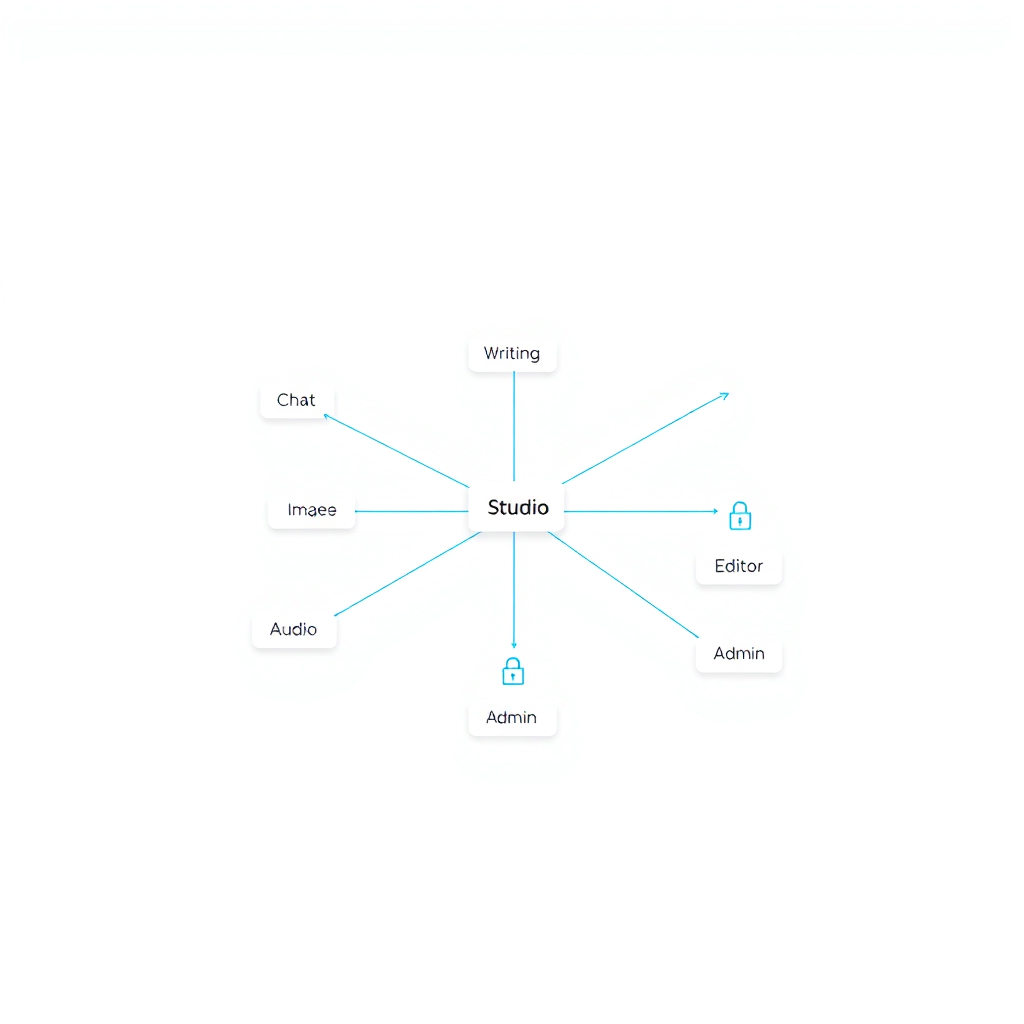
Creatorz+ organizes AI into dedicated workspaces—so you ship faster without wading through cluttered menus. Pick your studio and get in flow.
Choose your studio
Card-first routing keeps you focused. Each studio is a clean, purpose-built space—no overloaded sidebars.
Writing
Draft, edit, and publish longform with structured AI assist.
Chat
Conversational ideation, Q&A, and quick coaching threads.
Images
Generate, upscale, and batch process visuals.
Video
Storyboard, captions, cuts, and social exports.
Audio
Transcribe, clean, and master podcasts or voice.
Tools
Utilities, converters, and glue workflows.
Admin
Roles, permissions, audit, and settings.
Workflow launchpads
Kick off with pre-linked steps across studios.
Blog Draft → Edit
Outline, generate a draft, then refine sections with style rules.
YouTube Script → Chat
Brainstorm hooks and beats, then iterate tone via threaded prompts.
Image Upscale → Clean
Batch upscale, fix artifacts, and export consistent sizes.
Podcast Cleanup → Master
Transcribe, denoise, level, and publish episode notes.
Short Reel → Caption
Auto cut, add captions, and export vertical formats.
Built for control
Granular roles, audit trails, and shared libraries keep teams aligned without sacrificing speed.
-
Roles & scopes
Owner, Admin, Editor, Viewer with studio-specific permissions.
-
Audit trails
Track changes, prompts, and dataset lineage across studios.
-
Shared libraries
Central brand kits, voices, and templates reused everywhere.
Why modular?
Focus beats bloat. Separate studios reduce cognitive load, keep interfaces lean, and scale with your team. You get speed, clarity, and the right tools in the right place—connected by a shared account and libraries.
Do one thing well
Each studio has guardrails and presets tailored to the job.
Less overhead
Open to the right canvas without navigating mega-menus.
Clean surfaces
Only the controls you need, right when you need them.